For yoga, Pilates, fitness and CrossFit studios
One link where your members book their own yoga classes.
Put your weekly schedule on one page. Members book, cancel and join waitlists. You set the spots and the rules.
Already have a page? Sign in to your studio

Product
Your side is one screen. What is full, what has space, who is coming.


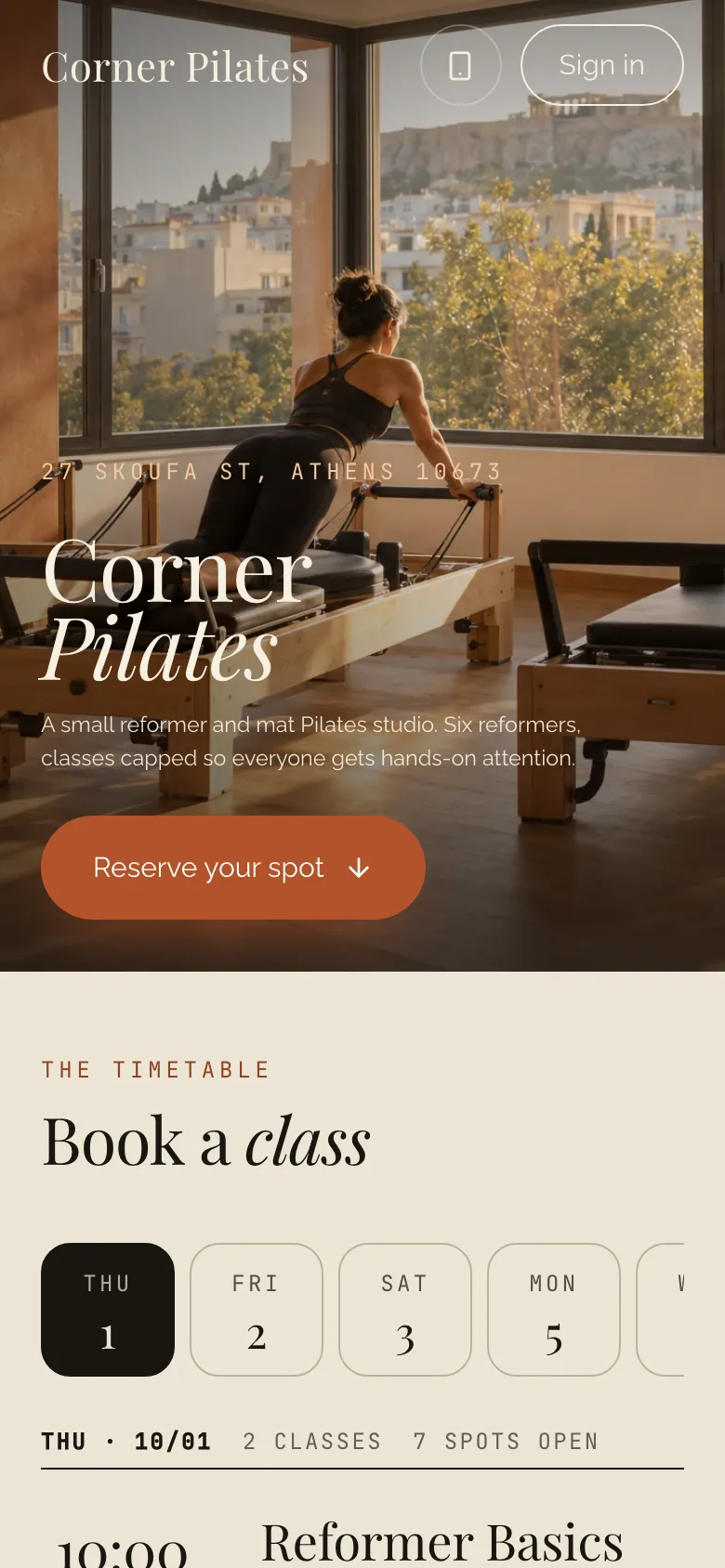
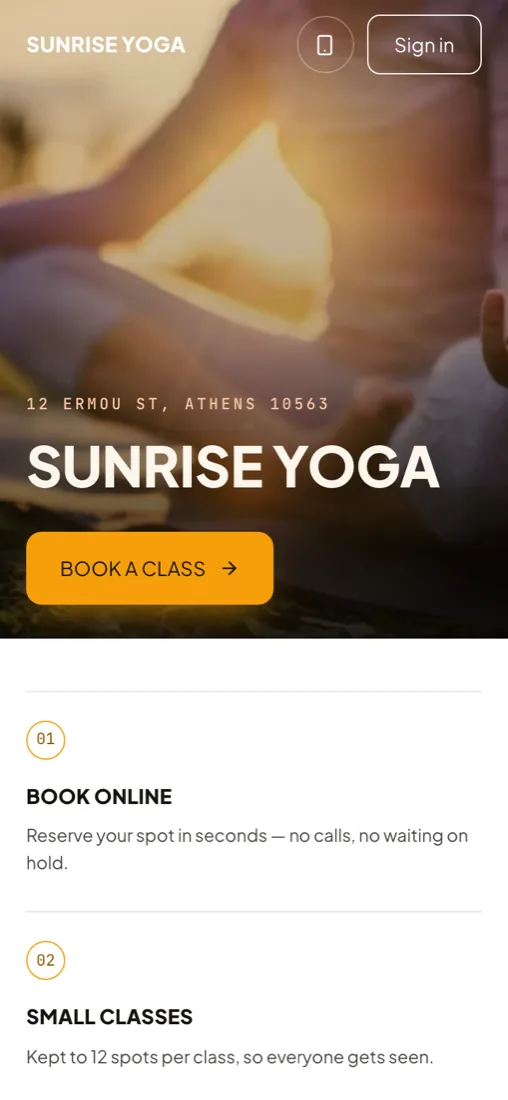
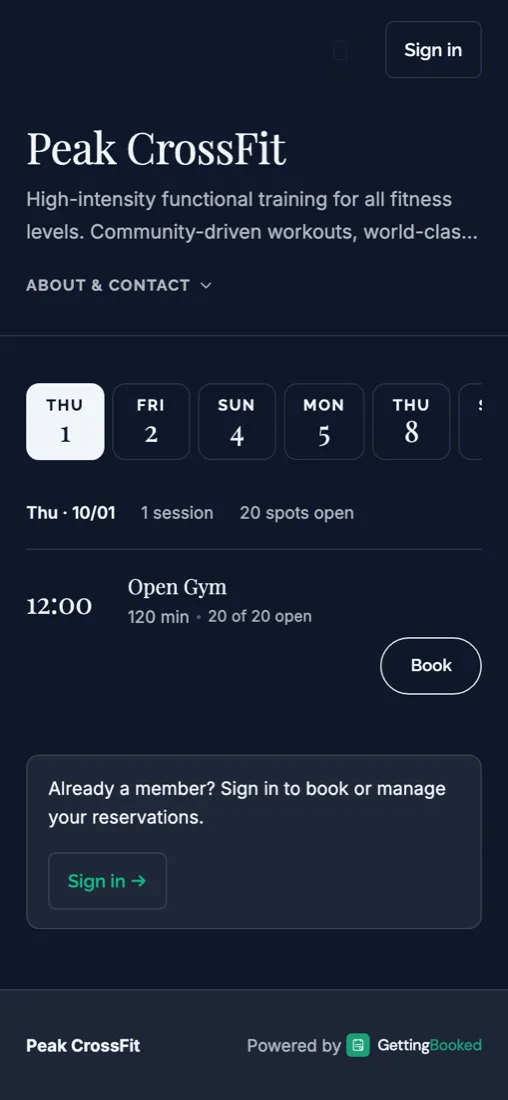
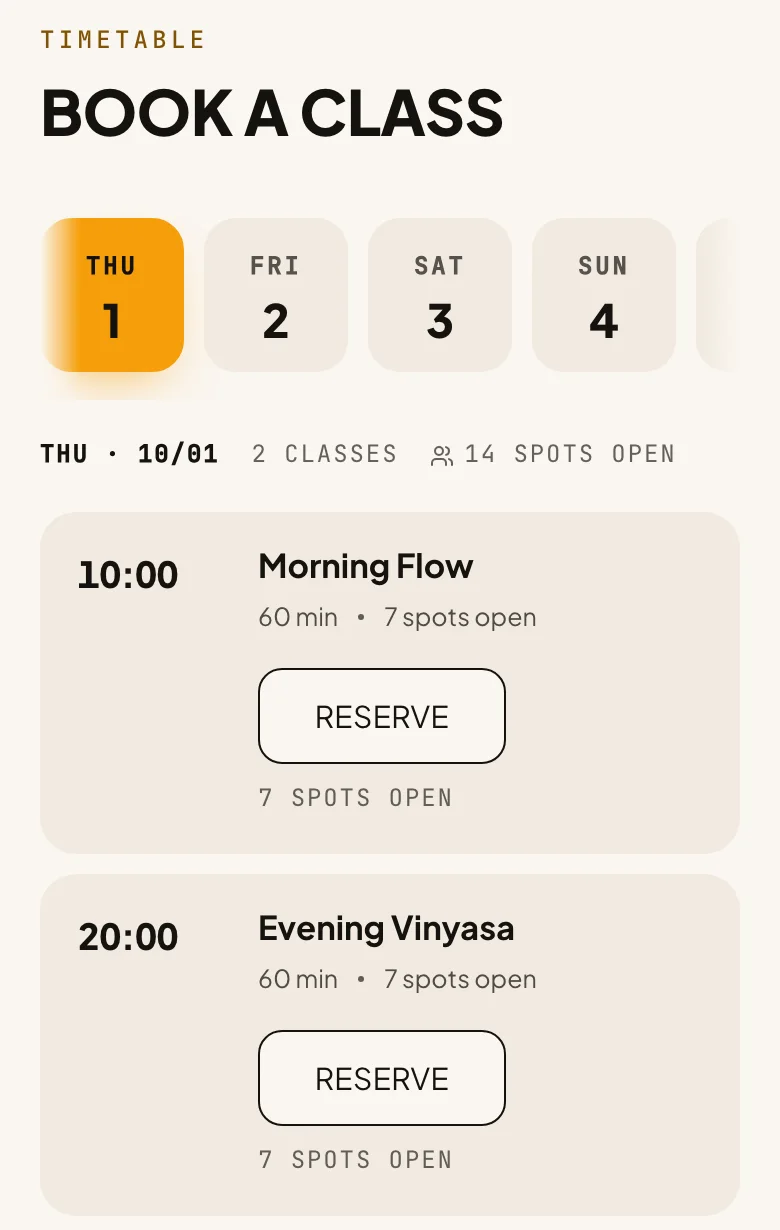
Three demo studios. Book a class on any of them.
We set these up to show what a booking page can look like, one for each layout you can choose. They work like the real thing.
Set it once. The page keeps to it.
Capacity that stays honest
Set the spots per class. A cancellation puts the spot straight back on the page, so the number members see is the number left.
Waitlists that answer for you
A full class takes a waitlist. When a spot opens it is offered to the next person.
Your cancellation rule, enforced
Set the cut-off once. Every booking follows it, so you never have to say no.
Bookable in an afternoon.
Three steps. Your page is live after the first one.
Create your studio
Name and email. Your page is live the moment you finish.
Add your classes
Times, spots and your cancellation rule, the way you already run things.
Share your link
Instagram bio, WhatsApp, a QR code on the studio door.
Pricing
Free. While we work with our first studios.
- Your own booking page
- Waitlists and cancellation rules
- Memberships and session packs
- QR code and Instagram story
- No card and no contract
Free, no card. You can change the address later.
Questions before you try it.
Do my members need to install an app?
No. They book from your page in a browser. A one-time code replaces the password, so there is no account to create.
I already have a page. How do I get back to my admin?
Tap Sign in at the top of this page and enter the email you signed up with. We email you a code, and it opens your admin. You stay signed in on that device for 7 days.
Can members cancel or move a booking themselves?
Yes. You decide how late is too late, and members manage their own bookings inside that rule.
What happens when a class is full?
Members see it is full and can join the waitlist. When someone cancels, the spot is offered to the next person waiting.
Is it only for yoga studios?
No. It fits any small studio or gym that runs classes with limited spots: yoga, Pilates, fitness, CrossFit, personal training.
Do I need a website already?
No. Your booking page is the website. If you have one, link to your page from it.
Will it stay free?
It is free now, while we work with our first studios. There is no card to enter.