How to stop taking class bookings in your Instagram DMs
A one-week plan for moving class bookings out of Instagram and WhatsApp, without losing the personal feel members came for. With message templates you can copy.
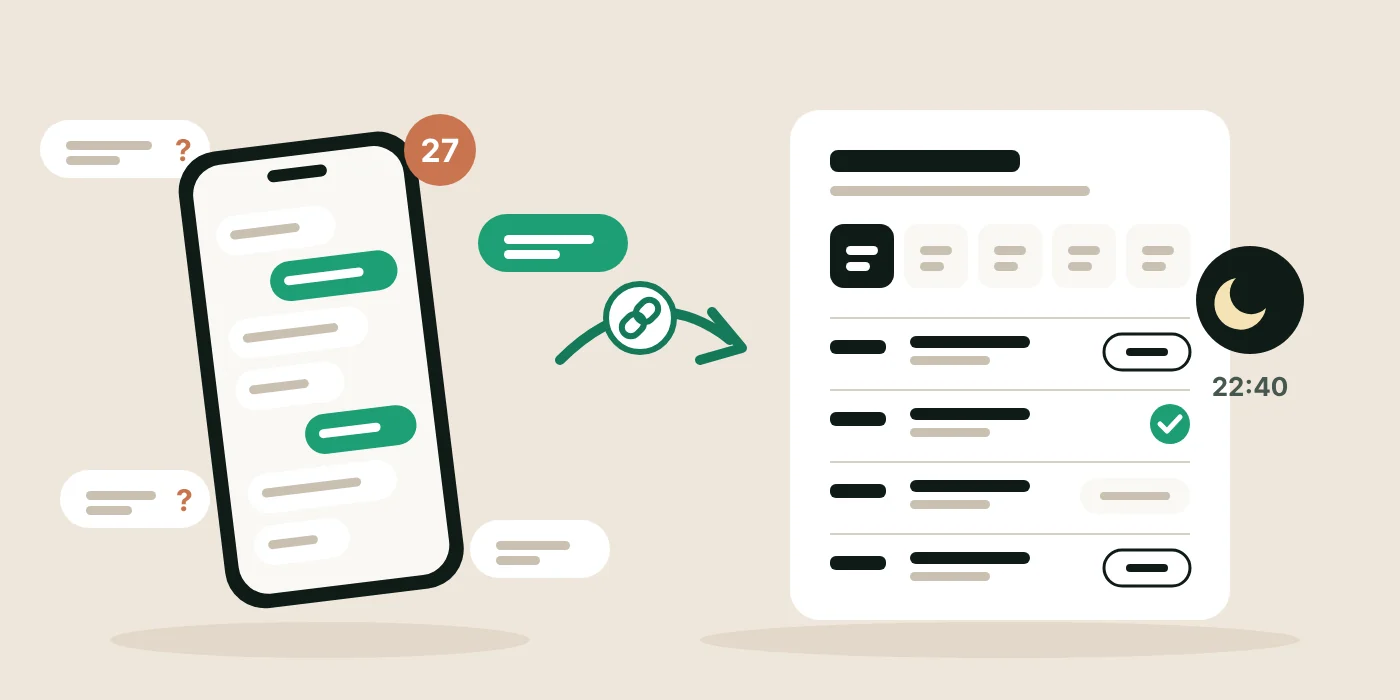
Most small studios start the same way. Someone asks on Instagram if there is space on Tuesday, you reply, you write their name in your notes, and that is a booking. It works well for the first twenty members. It works badly for the next fifty.
This guide is about moving bookings out of your messages without losing the personal feel that got members through the door. You do not need an app, a website or a big launch. You need one link and about a week.
Why DM bookings stop working
The problem is never one message. It is what the messages add up to.
- You become the booking system. Every booking waits for you to reply. If you are teaching, driving or asleep, the member waits, and some of them book somewhere else.
- Nobody can see what is full. Members ask “is there space?” because they cannot check. You answer the same question many times a day.
- The schedule lives in three places. Instagram, WhatsApp and your notes app each hold part of it. Sooner or later two people get the last spot.
- Cancellations arrive at the worst time. A message at 07:10 for a 07:30 class leaves a mat empty that someone else would have taken.
- There is no record. When you want to know who comes every week, or who has not been back in a month, you are scrolling through chats.
None of this is a reason to stop talking to your members. It is a reason to stop making every booking a conversation.
What you actually need instead
Before choosing any tool, it helps to be clear about the job. For a small studio running classes with limited spots, it comes down to five things.
- One place for the schedule. A single page with every upcoming class, which you update once.
- Spots that are live. Members see how many places are left, and a full class looks full.
- Members book and cancel themselves. At any hour, without waiting for you.
- Your rules, applied every time. How late someone can book, and how late they can cancel, decided once rather than argued case by case.
- A record you did not have to type. Who booked, who came, who cancelled.
Things you probably do not need yet: a custom app, a full website, a points system or marketing automation. Those come later, if at all.
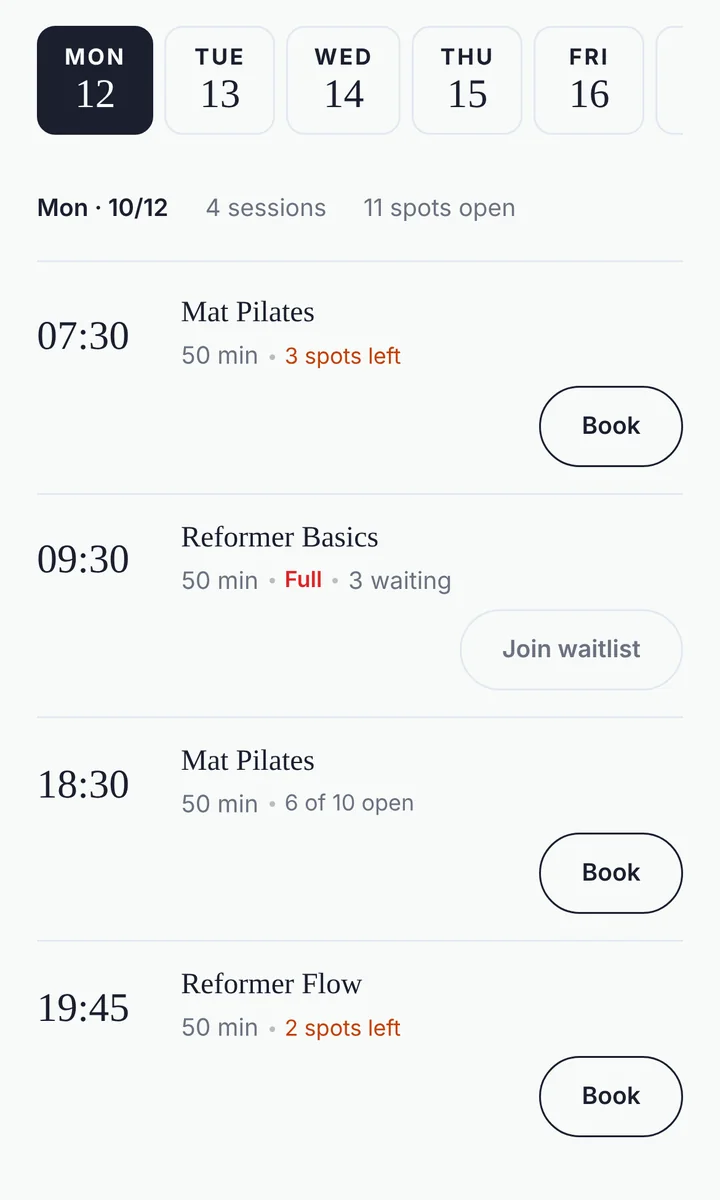
Your booking page is the schedule. Members pick a class, enter their email (and their name the first time) and type the 6-digit code we send them. There is no app and no password. Each class has its own number of spots, and the minimum booking notice and late-cancel window are set once in Settings.
Making the switch in one week
Studios that switch smoothly do it in a short, deliberate week rather than a big announcement. Here is a plan that works.
Day 1: put the next two weeks in one place
Add every class for the next fourteen days, with the real number of spots. If your timetable repeats, add each class for the coming weeks in one go rather than one date at a time. In GettingBooked, the Recurring option on a new slot does this. Book in the people who already asked you by message, so the numbers are right from the start.
Day 2: decide your two rules
Choose how close to the start a member can still book (one hour is common) and how late they can cancel before it counts as a late cancellation. If you do not have a cancellation policy yet, our late cancellation policy guide has a template you can copy.
Day 3: put the link where people already look
Your Instagram bio, a story highlight called “Book”, your WhatsApp groups, your Google Business Profile and a QR code on the studio door. Members should never have to ask you for the link.
The Share tab has your link, a QR code to download and a ready-made 9:16 Instagram story with your name, link and QR on it.

Day 4: tell members once, simply
One post, one story and one message to your WhatsApp group. Keep it short and focused on what members gain.
Announcement you can copy
From this week you can book your classes yourself, here: [your link]. You will see straight away how many spots are left, and you can cancel from the same page if plans change. If a class is full, join the waitlist and we will email you if a spot opens. Messages are still welcome, just not needed for bookings.
Days 5 to 7: answer every booking DM with the link
This is the step that makes the switch stick. Reply warmly, and send the link instead of taking the booking. Save the reply as a quick reply on Instagram and WhatsApp so it takes one tap.
Quick reply you can copy
Hi, thanks for your message. You can see this week’s classes and book your spot here: [your link]. It takes about twenty seconds, and you will see straight away if there is space. See you on the mat.
The members who keep messaging
A few people will keep messaging, and that is fine. Some are not comfortable with links, some just like talking to you. For them, book them in yourself, then send the link with a short note so they know it exists next time.
What matters is that every booking ends up in the same place, whoever made it. If you take a booking by message and do not add it, the page shows a spot that is not really there, and the double booking you were trying to avoid comes back.
Open the class in the Slots tab and add the person yourself. The booking is confirmed straight away, counts against capacity like any other, and the member gets the same confirmation email with a calendar file. Ask for an email address when you can: it is what matches them to the same member record when they start booking on their own.
How to tell it is working
Give it two weeks before you judge it. By then you should notice a few things.
- Fewer “is there space?” messages. The page answers that question now.
- Bookings made late in the evening or early in the morning, when you would not have replied.
- Cancellations arriving earlier, because cancelling no longer means writing an awkward message.
- Fewer no-shows. GettingBooked emails members a reminder the evening before each class, with a link to cancel if they cannot make it.
- Full classes that refill from the waitlist without you doing anything. See how a class waitlist works.
If people are still messaging after two weeks, look at where the link is. Usually it is missing from one place members actually look, such as a WhatsApp group description or a pinned post.